 Appmost
Your app starts
right here.
A Mac workspace for building native apps with your AI agent. Shape the screens, see every change and take your project all the way to a build.
Join the previewFor Mac. Build for iOS, Android and web.
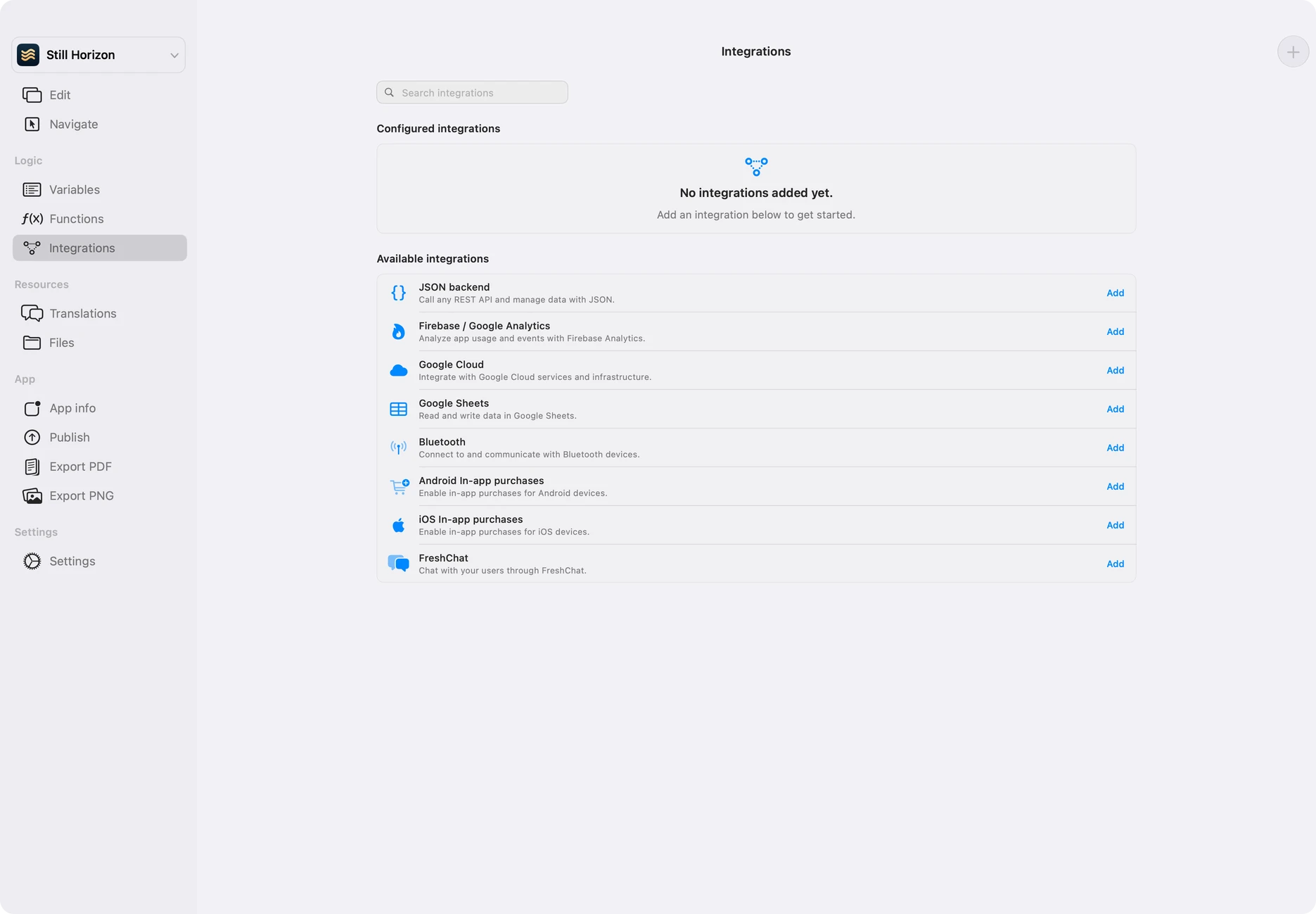
Connect services.
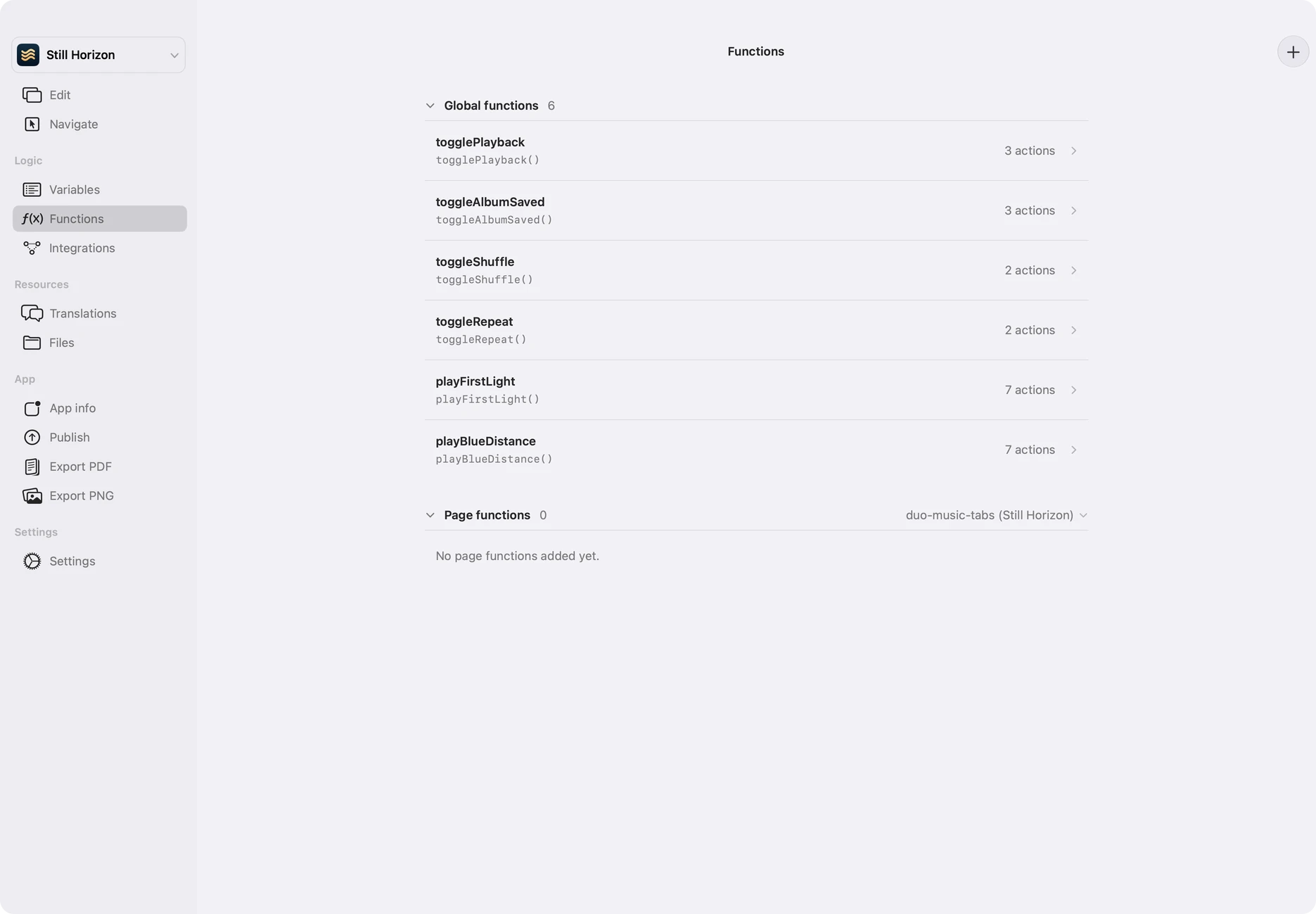
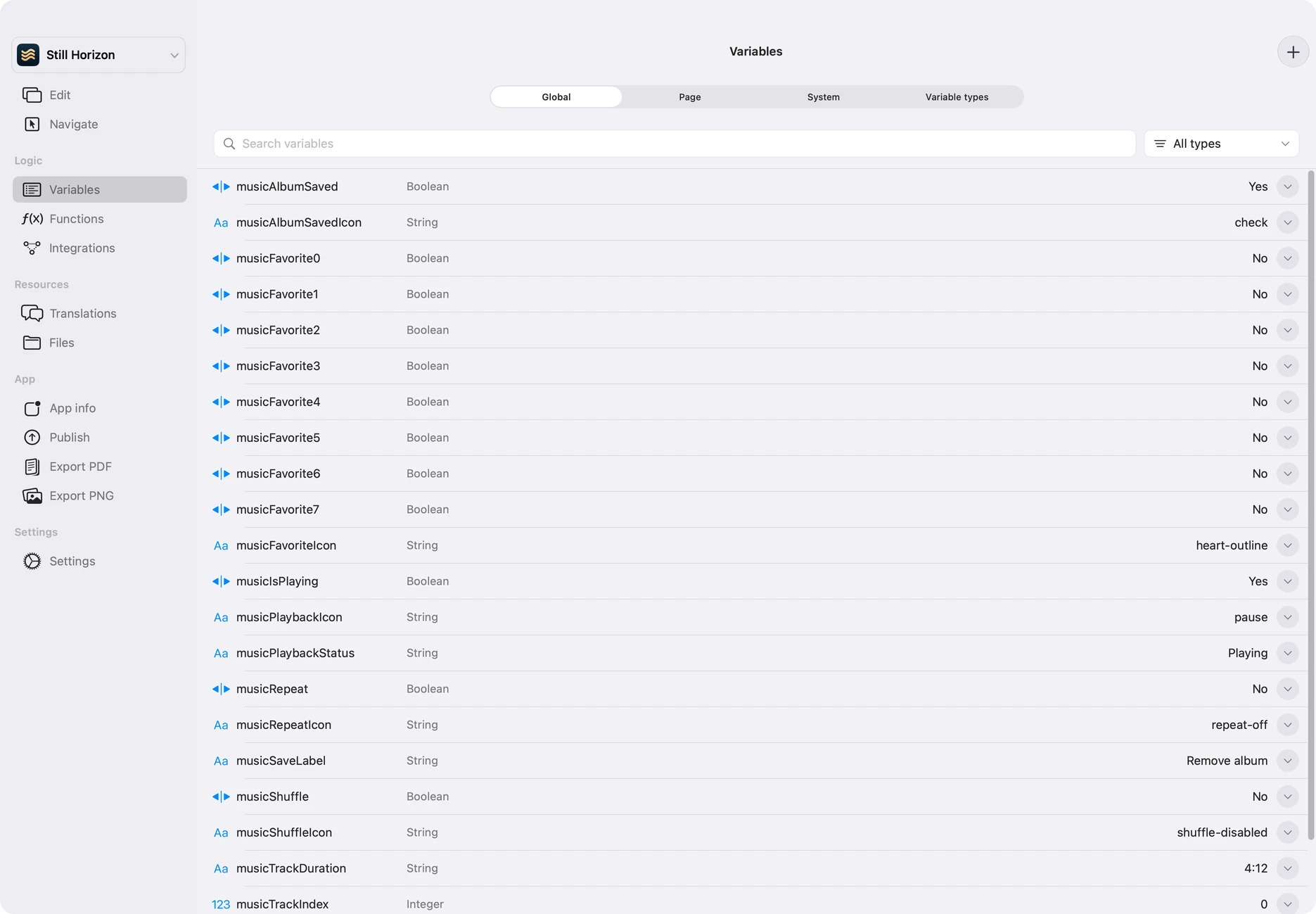
Add your logic.
Connect your app to integrations, build reusable functions and manage the state behind each screen. Shape the interface and the behavior together, with your project open beside you.
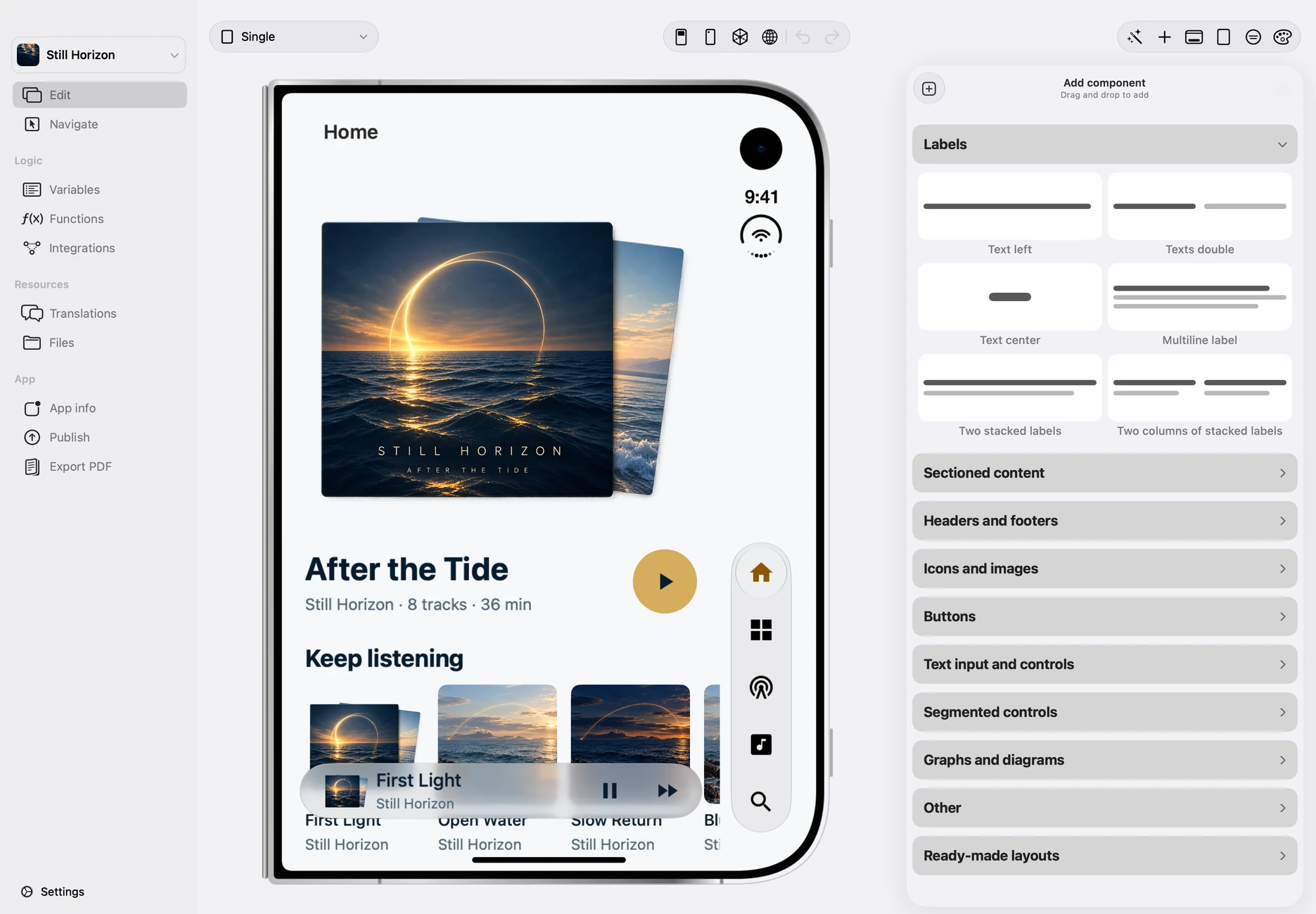
A little screen.
A bigger possibility.
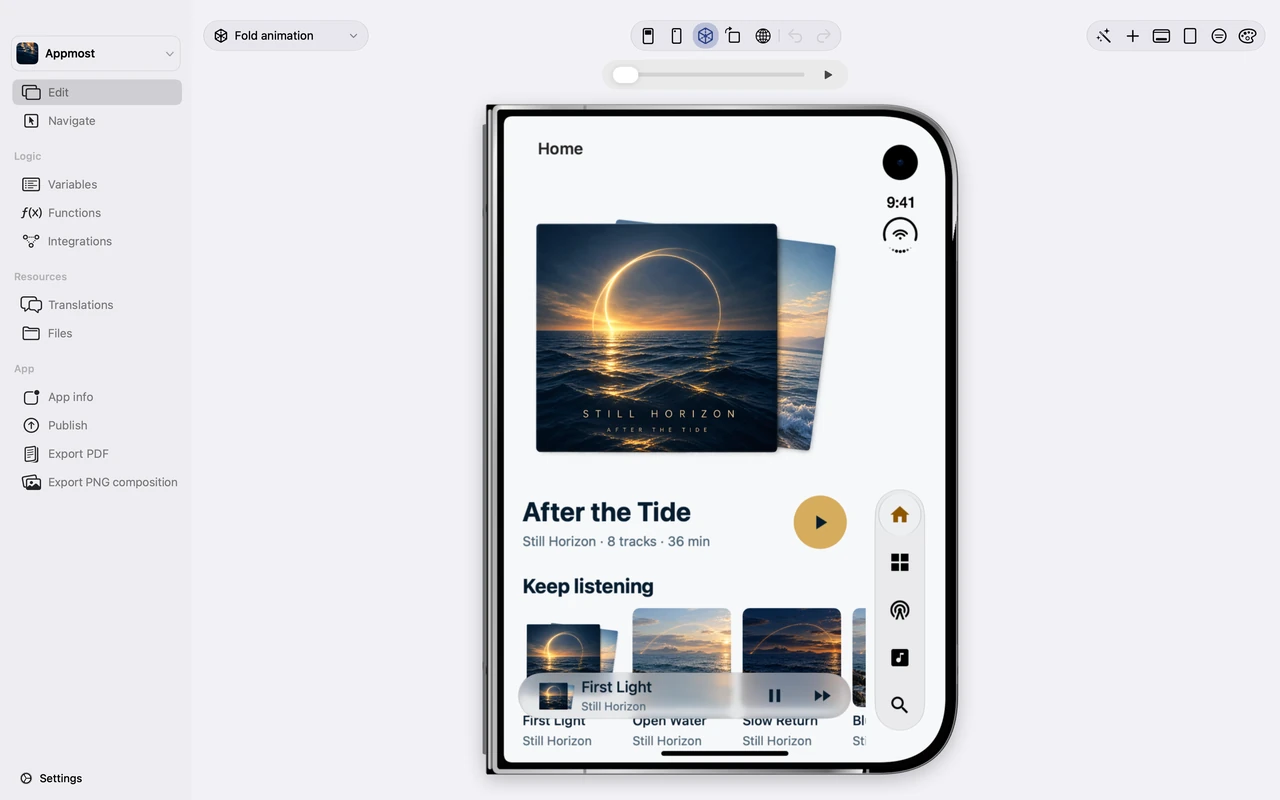
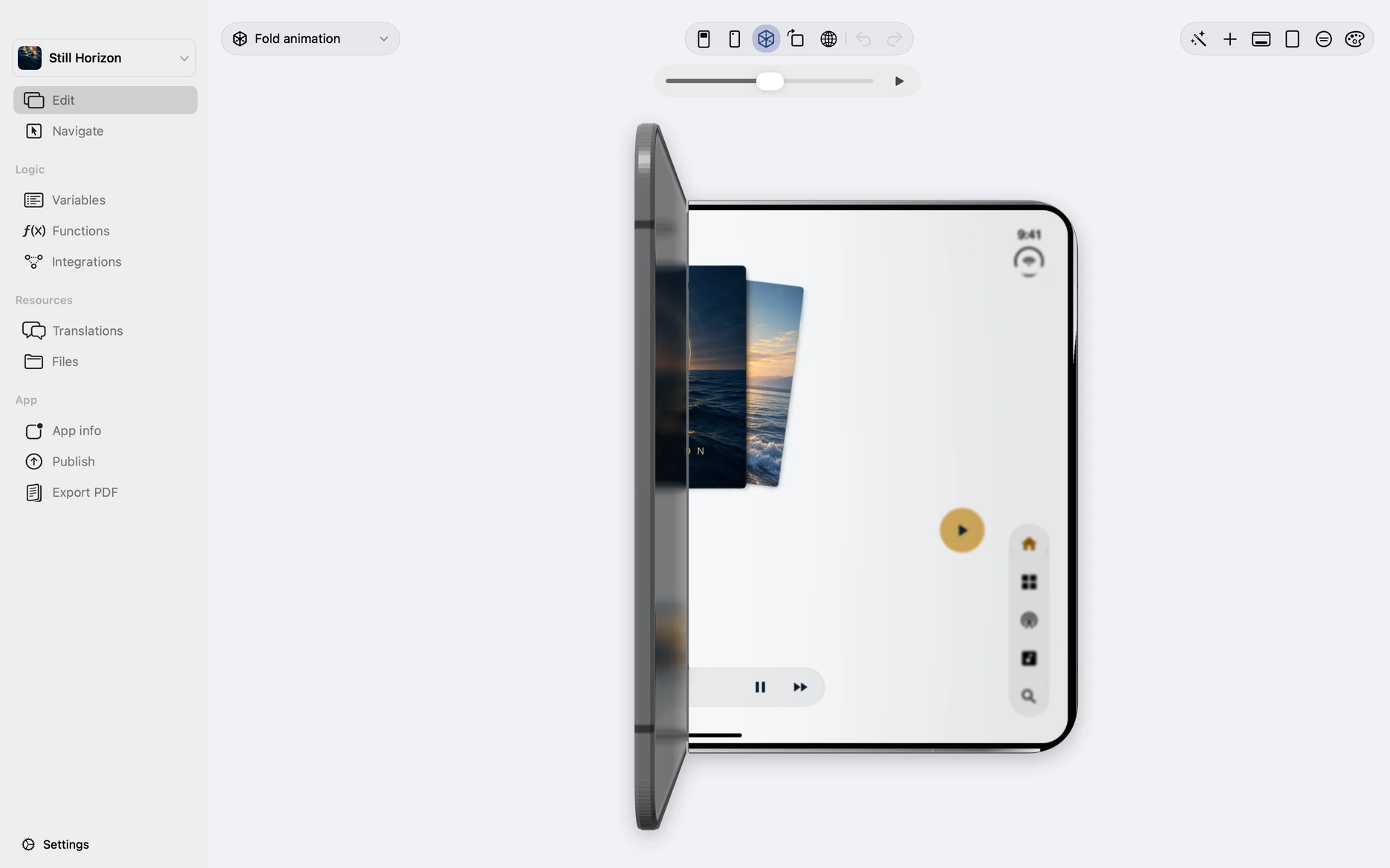
Open it. Fold it. See how your app adapts. Explore the same design on a compact screen and a wider canvas with Appmost’s 3D iPhone Duo preview.
Explore the Duo preview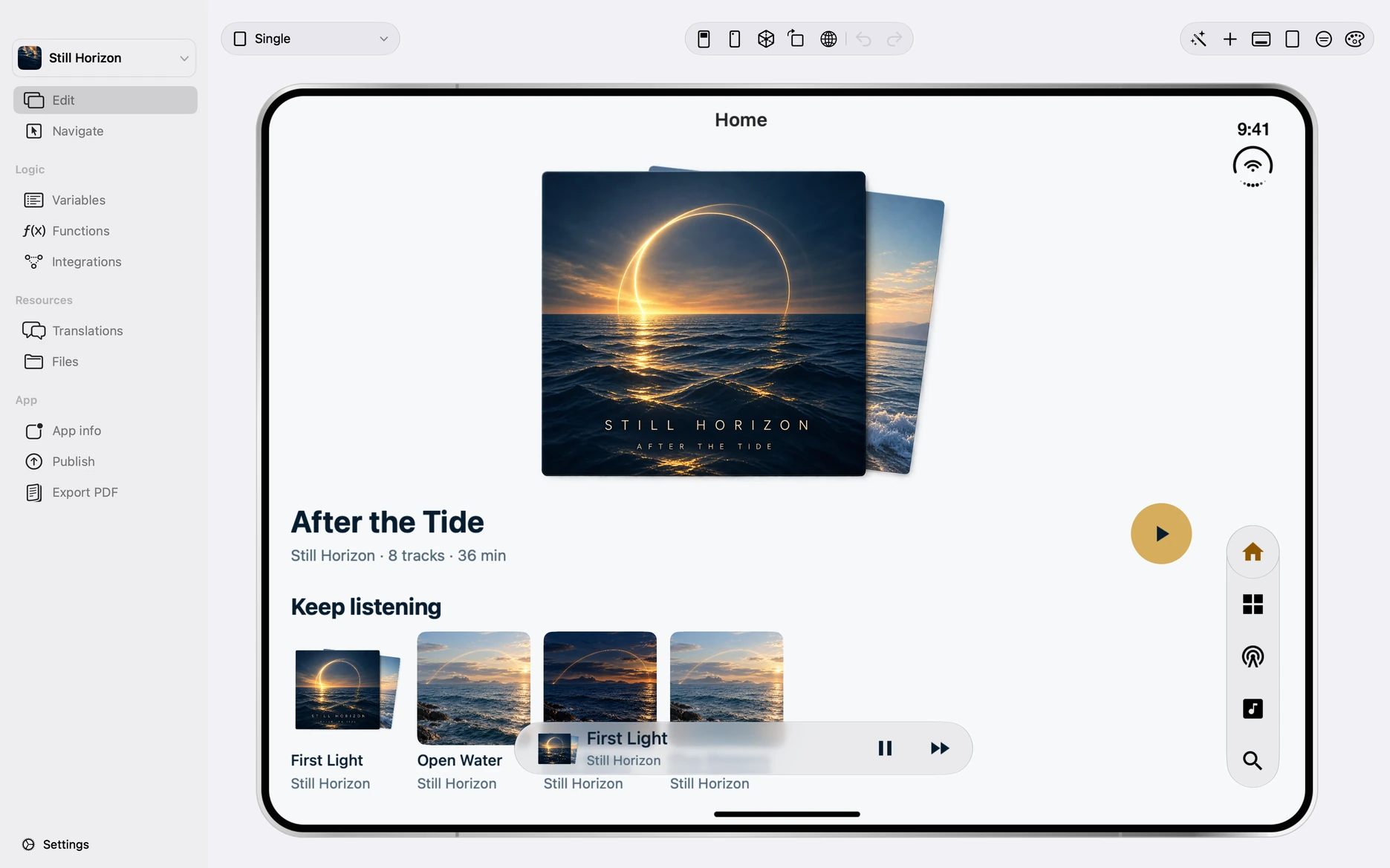
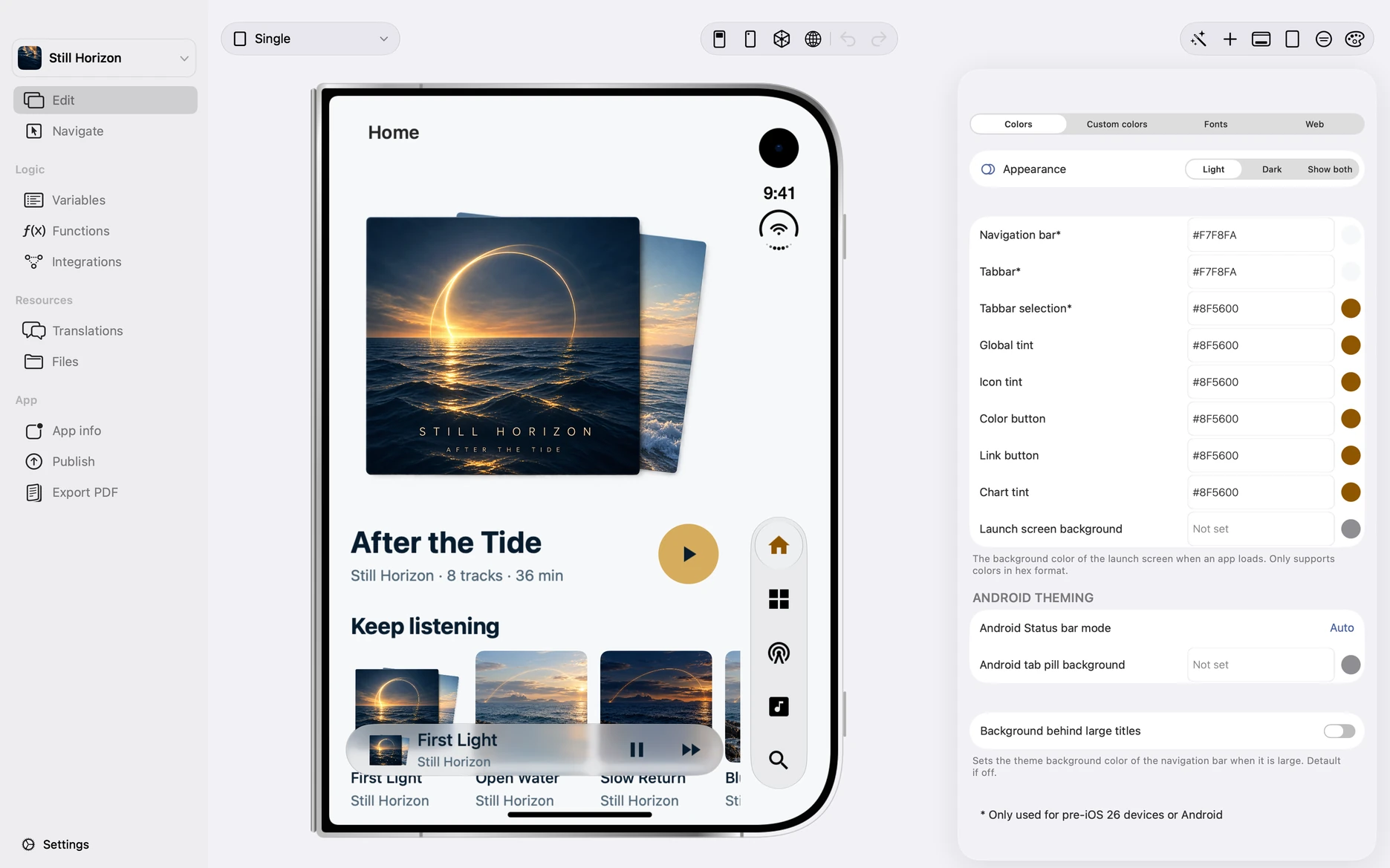
One project.
Ready to go further.
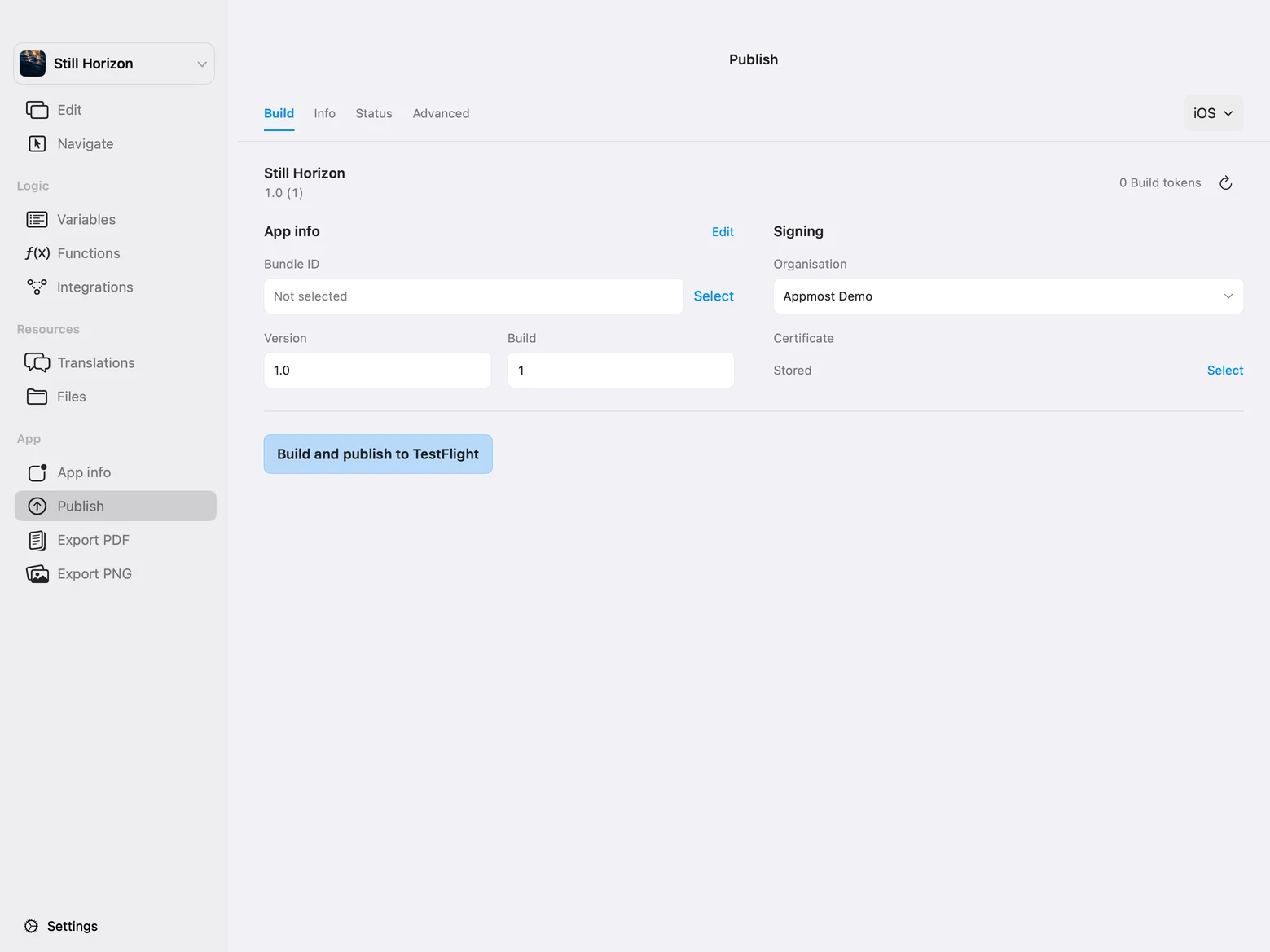
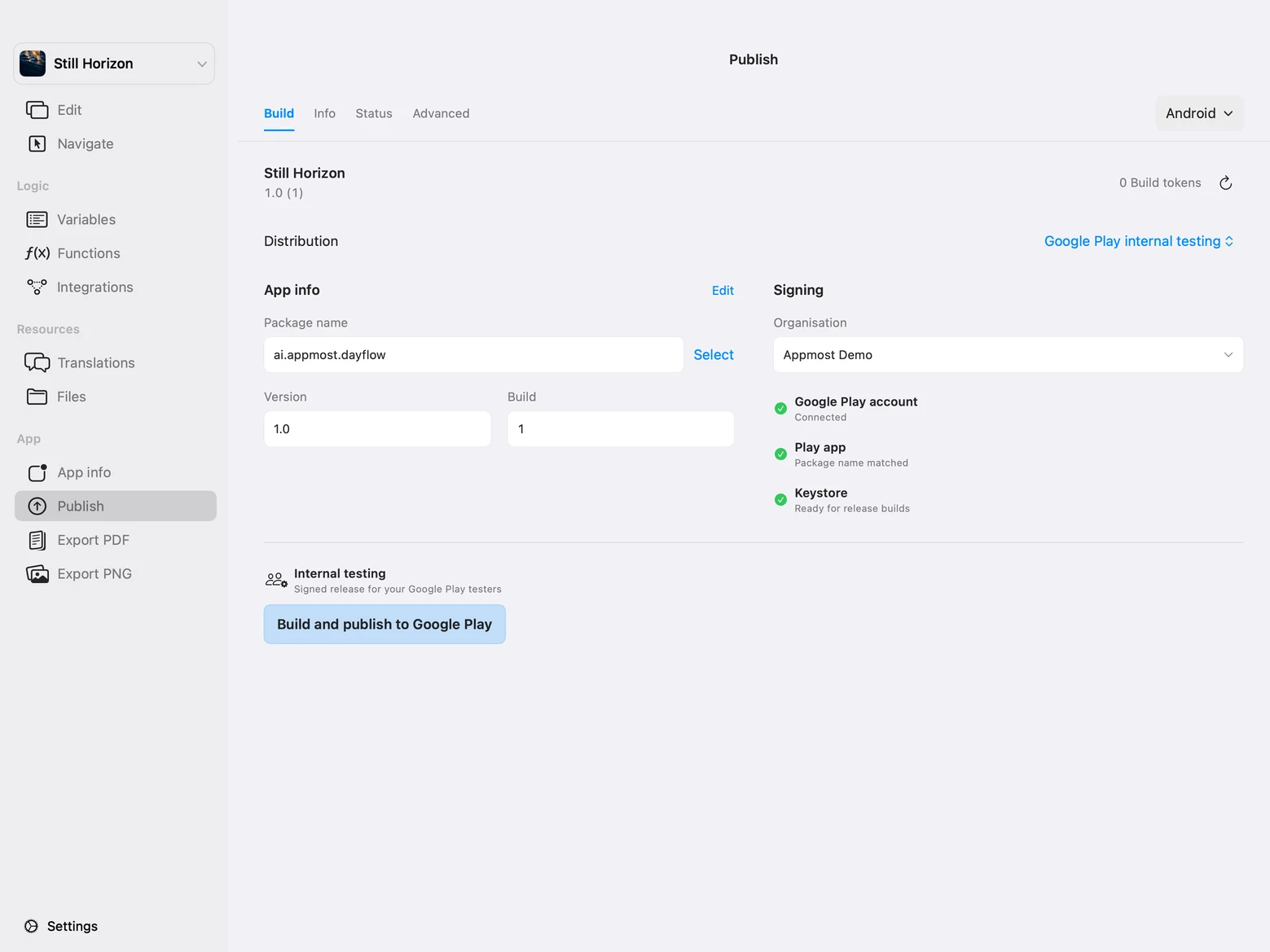
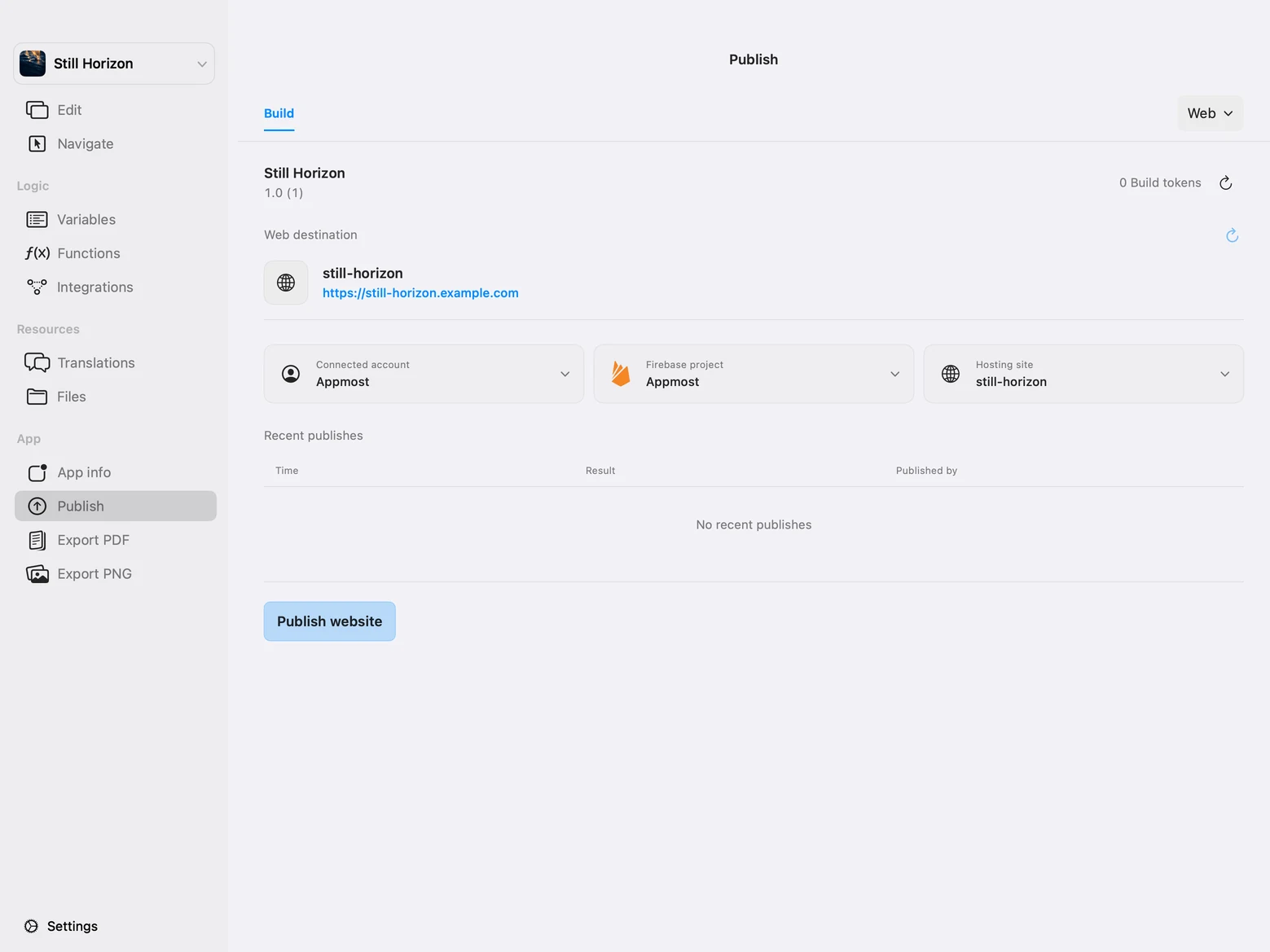
Take the same project to iOS, Android and the web. Build includes internal TestFlight testing, Firebase App Distribution for Android, and live web publishing. Public App Store releases and Google Play publishing require Production, which is coming later.
Your favorite agent.
Your own app.
Connect Codex or Claude Code to Appmost and review changes in the native preview.
Enable External Agents in Appmost’s settings. Run the command in Terminal on the same Mac, then restart your agent.
Claude Code
claude mcp add --transport http appmost http://127.0.0.1:48733/mcpRequires the agent’s CLI and Appmost’s default port. For a custom port, copy the command from Appmost. Claude Code uses the current project directory.
What will you make?
Join the preview list for access to Appmost and news about the launch. Early access is free through December 31, 2026. No credit card required.
We’ll email you when there is a preview place or a meaningful launch update.